I have used Docker for years without ever really asking what it does under the hood. You run `docker run`, a container appears, and it feels isolated from everything else on the machine. At some point that stopped being good enough for me. I wanted to know what "isolated" actually means at the kernel level, so I decided to build a minimal container runtime myself, in Go, using nothing but raw Linux syscalls.
Why not just read about it?
I could have read a few blog posts about namespaces and called it understood. But there is a big difference between recognizing the words "PID namespace" in an article and actually forking a process, cloning it into a new namespace, and watching it come up as PID 1 inside its own little world. I wanted the second kind of understanding.
So the goal became: reimplement Docker's core isolation model directly on top of Linux kernel features, namespaces, cgroups, and networking, with no external containerization libraries in between.
How the runtime actually works
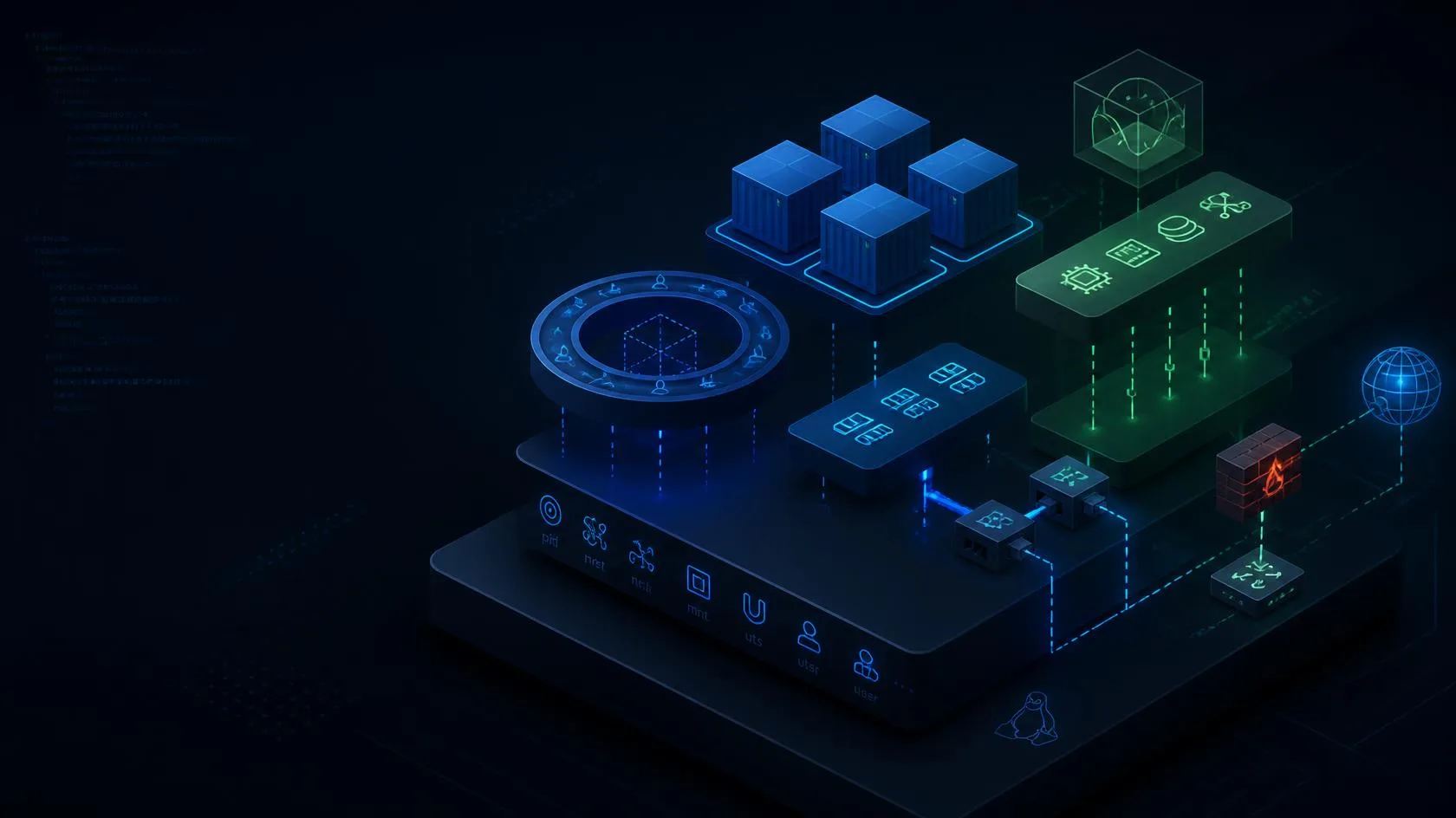
The trick that makes this work is that the runtime re-executes itself. The parent process forks a child with PID, UTS, and mount clone flags set, so the child is born directly into new namespaces rather than being moved into them afterward. The child then joins a cgroup with resource limits, sets an isolated hostname, chroots into a minimal Alpine root filesystem with a fresh /proc, and finally execs the requested command.
Network isolation is handled separately, from the host side, using veth pairs and iptables NAT rules that get configured after the container has already started.
What isolation actually meant, piece by piece
- Process isolation via PID namespaces, so the container sees itself as PID 1
- Hostname isolation through UTS namespaces
- Filesystem isolation via chroot and mount namespaces with a fresh /proc
- Resource limits enforced with cgroups v2, capping memory and process count
- Optional network isolation with internet access via veth pairs and NAT
Seeing each of these individually, instead of as one bundled "Docker isolation" concept, was the most useful part of the project. Namespaces answer "what can this process see." Cgroups answer "how much can this process use." Chroot answers "where does this process think its filesystem starts." Docker just wires all three together for you.
The ordering problem
The hardest part was not any single primitive, it was getting the ordering right. Namespace, cgroup, and chroot setup all have to happen in a specific sequence, or you end up leaking host state into the "isolated" container, which defeats the entire point.
I also ran into a wall with `pivot_root` under WSL2, where certain filesystem operations that work fine on a native Linux kernel are restricted. Rather than fighting the environment, I switched to chroot instead and documented that tradeoff explicitly, since pretending the constraint did not exist would have made the project less honest about what it actually does.
What I learned
The biggest takeaway is that Docker is mostly a thin, well-designed layer over primitives the Linux kernel already provides. None of namespaces, cgroups, or chroot are Docker inventions, Docker's real contribution is packaging them into something you can drive with a single command and a Dockerfile.
Building the isolation by hand turned concepts that used to be abstract buzzwords, namespaces, cgroups, chroot, into things I have personally wired together and watched work. That is a very different kind of knowing than having read about them.